
Risk Prevention and Education

Our Overview page provides a view into the many printed and multimedia resources, products and services offered by CRICO's experts to help you prevent risk and promote patient safety.
Our Patient Safety Content
Past Event: Mitigating Malpractice Vulnerabilities in Primary Care
Event
Friday, November 1, 2024, 7:30 am–4:30 pm: This course is an excellent opportunity for you to build resiliency in your practice. Co-directed by faculty from Beth Israel Lahey Health, Brigham & Women’s Hospital, and CRICO, it is designed specifically to maximize primary care providers’ diagnostic skills for the most common diagnoses seen in primary care malpractice cases.


Past Event: Nursing Practice and Patient Safety: Claims, Trends & Takeaways
Event
May 10, 2023: The goal of this activity is to provide learners with the knowledge about malpractice cases as related to nursing overall and specifically, nursing medication errors.
Now available as an online course.
Now available as an online course.

Adverse Events Disclosure
Guideline
The “Guidelines for Disclosure” checklist covers a range of actions to consider after an unexpected outcome. Running through the list will help organize thorough, appropriate, and consistent responses.

CRICO OB Patient Safety Program for Physicians
Article
FOR OBSTETRICIANS: this voluntary program entitles CRICO-insured providers to remain in a lower premium underwriting specialty category for each year in which they complete specific risk reduction activities.
CRICO OB Patient Safety Program for CNMs and FPs
Article
FOR CNMs and FAMILY PRACTITIONERS: this voluntary program for CRICO-insured providers with obstetrics privileges rewards risk reduction activities with a malpractice premium discount.
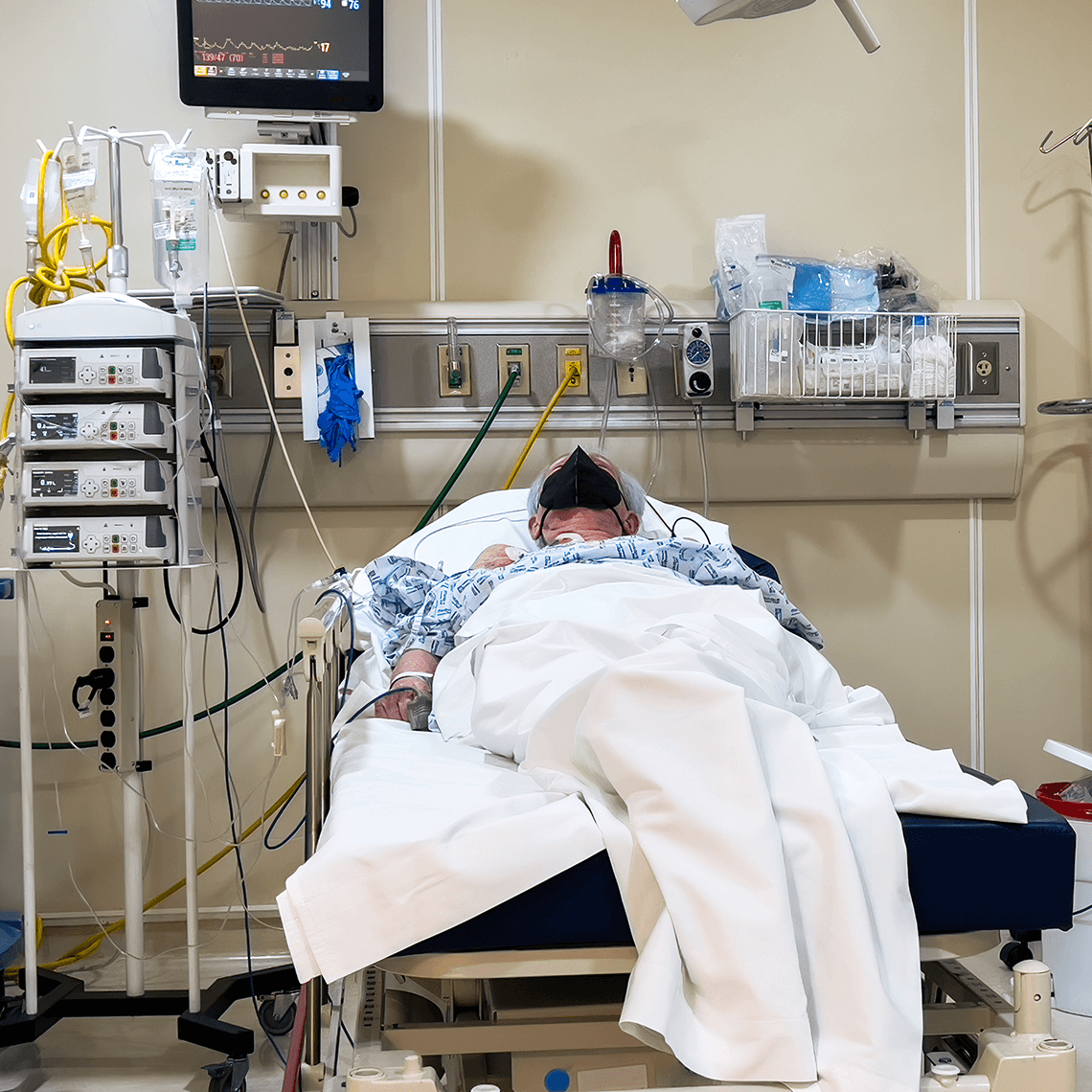
Medication Mix-up Contributes to Patient’s Death
Case Study
A nurse gave the wrong medication to a pneumonia patient, causing a fatal heart issue.
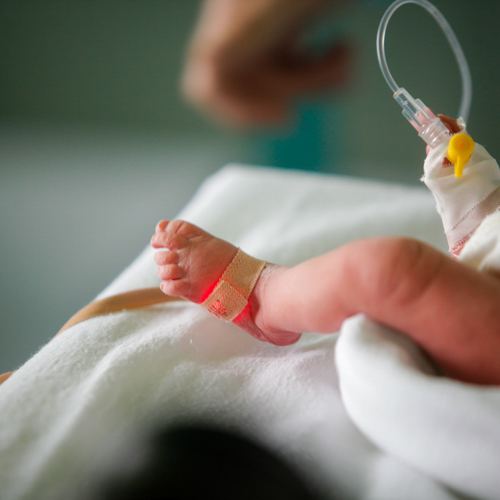
Neonatal Encephalopathy Guidelines
Guideline
At the behest of its membership, the Academic Medical Center Patient Safety Organization convened a Task Force to arrive at a set of consensus-based guidelines for the most effective use of therapeutic hypothermia in cases of suspected neonatal encephalopathy.
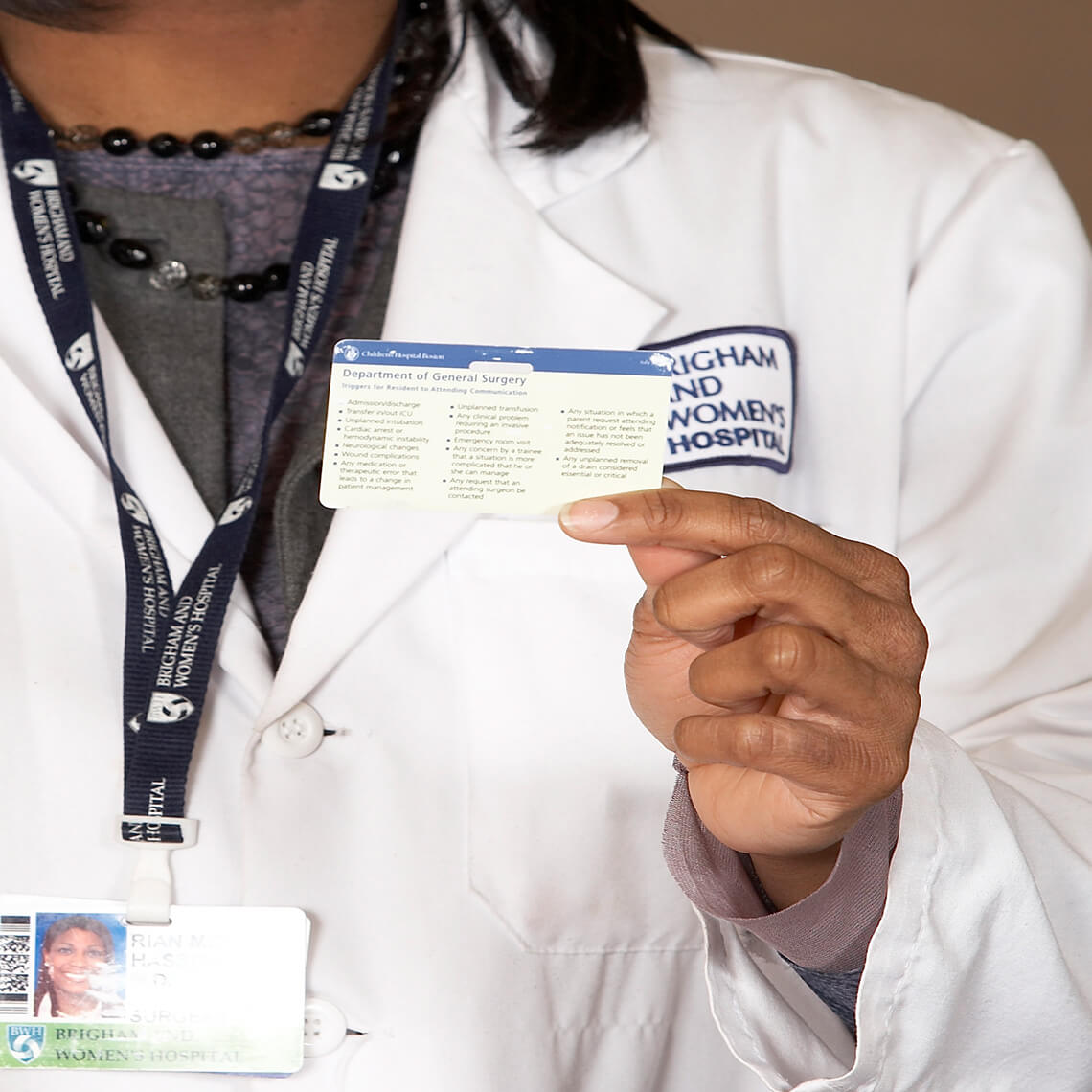
Investing in Patient Safety
Blog Post
An article in today’s New York Times suggests that malpractice reform may be best served by an investment in patient safety. At CRICO, we have been following just this model for decades by offering grant awards to stimulate research and patient safety interventions intended to improve the quality and safety of patient care.
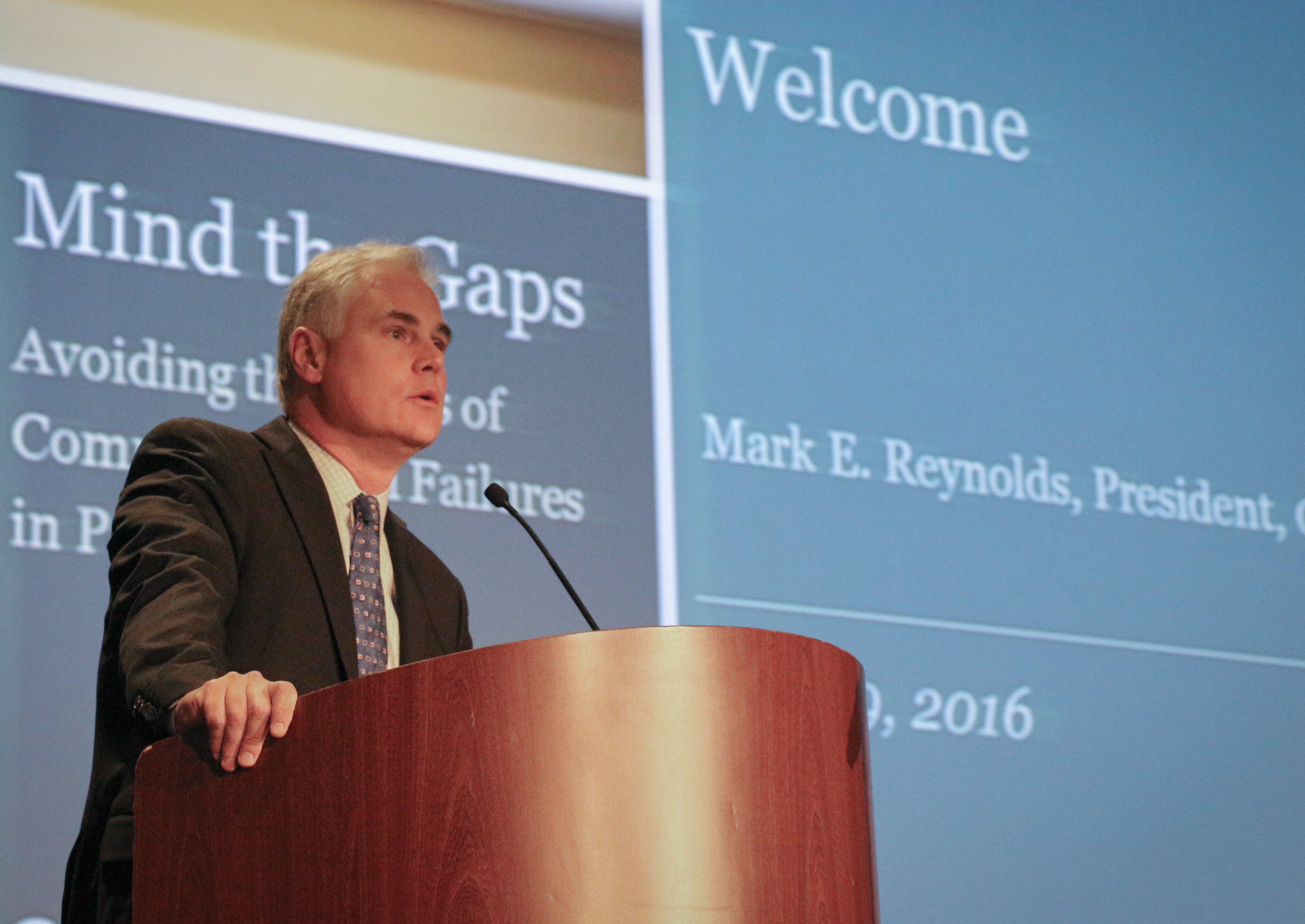
Mind the Gaps: Learning How to Avoid Miscommunication Pitfalls
Blog Post
Stories of patient harm resulting from a gap in communication were the inspiration for the 10th Annual CRICO Patient Safety Symposium, held at the Revere Hotel in Boston.
January Safety Salute | MedStar Health Creating a Just Culture
Blog Post
CRICO’s monthly Safety Salute recognizes a health care provider, leader, group, individual, or institution dedicated to and making positive improvements in patient safety.